01
Point it at your instance
A local address or a public one. Sign in through Home Assistant, or paste a long-lived token.
Home Assistant · Apple Health
Weight and body composition move from the Home Assistant instance you already run to the Health app on your iPhone. No account, no server of ours, nothing collected.

A local address or a public one. Sign in through Home Assistant, or paste a long-lived token.
It ranks the candidates for each measurement and shows you what it picked before writing anything.
New readings land in Health on their own. The same reading is never written twice.
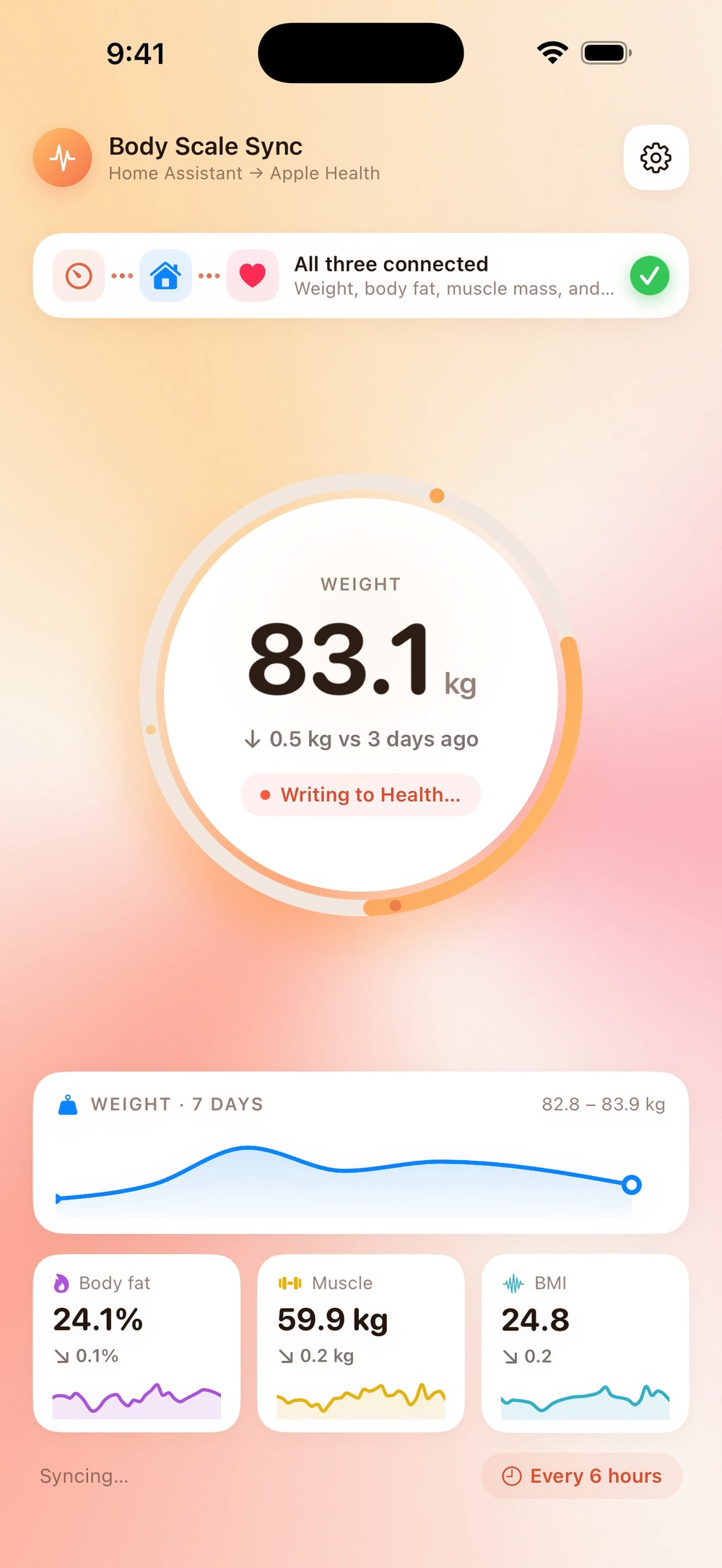
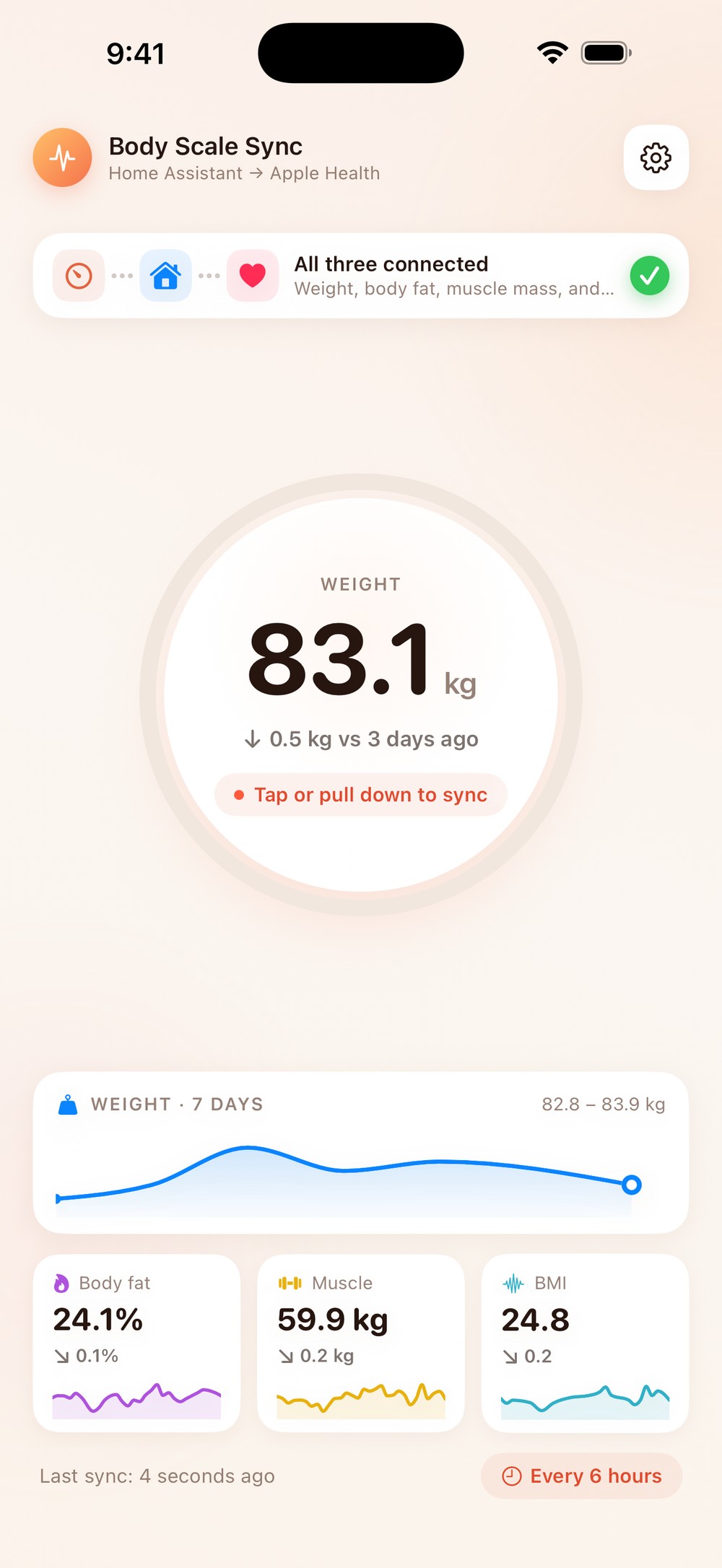
The dial fills while the sync runs and holds the reading when it lands. Everything else is one tap away.
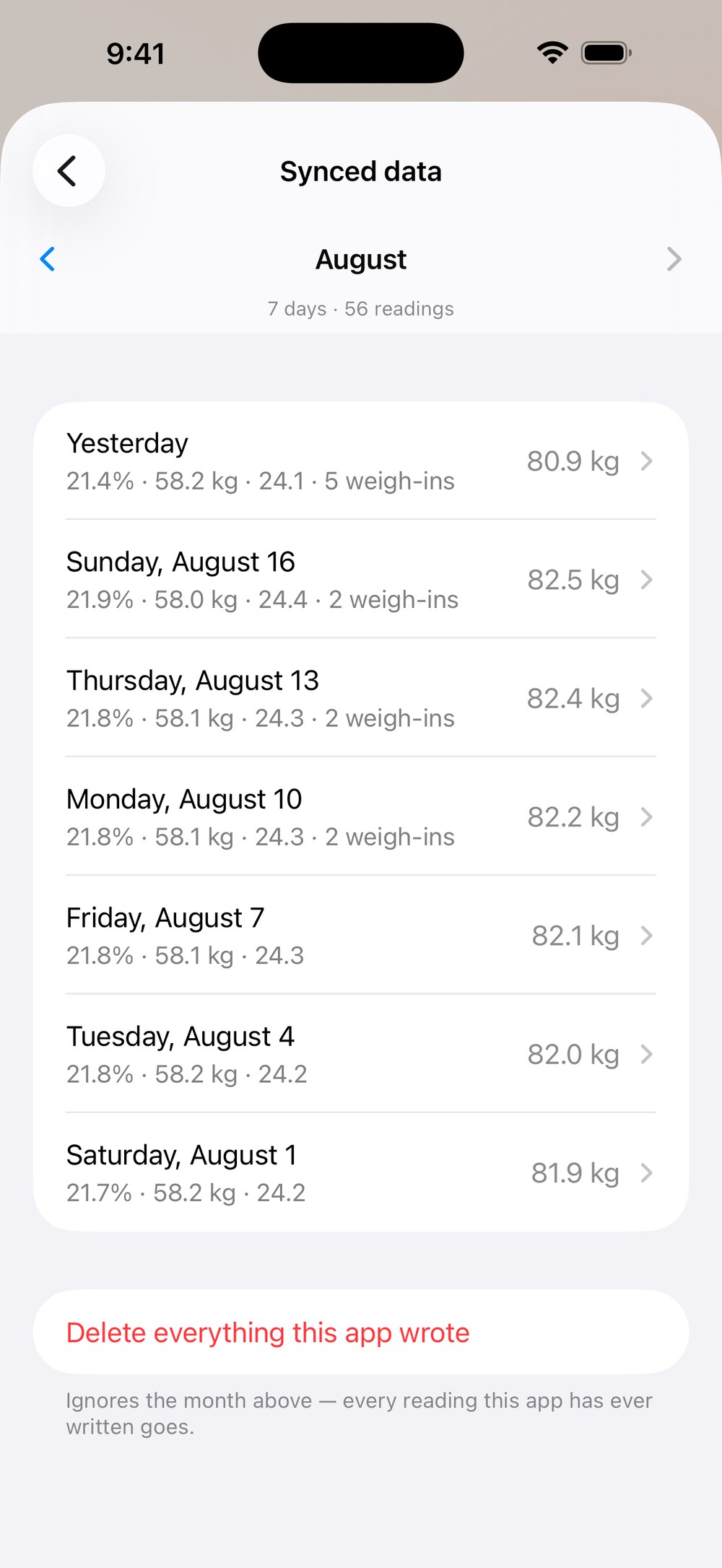
Weight always. The rest when the scale measures it and Home Assistant exposes it as an entity.
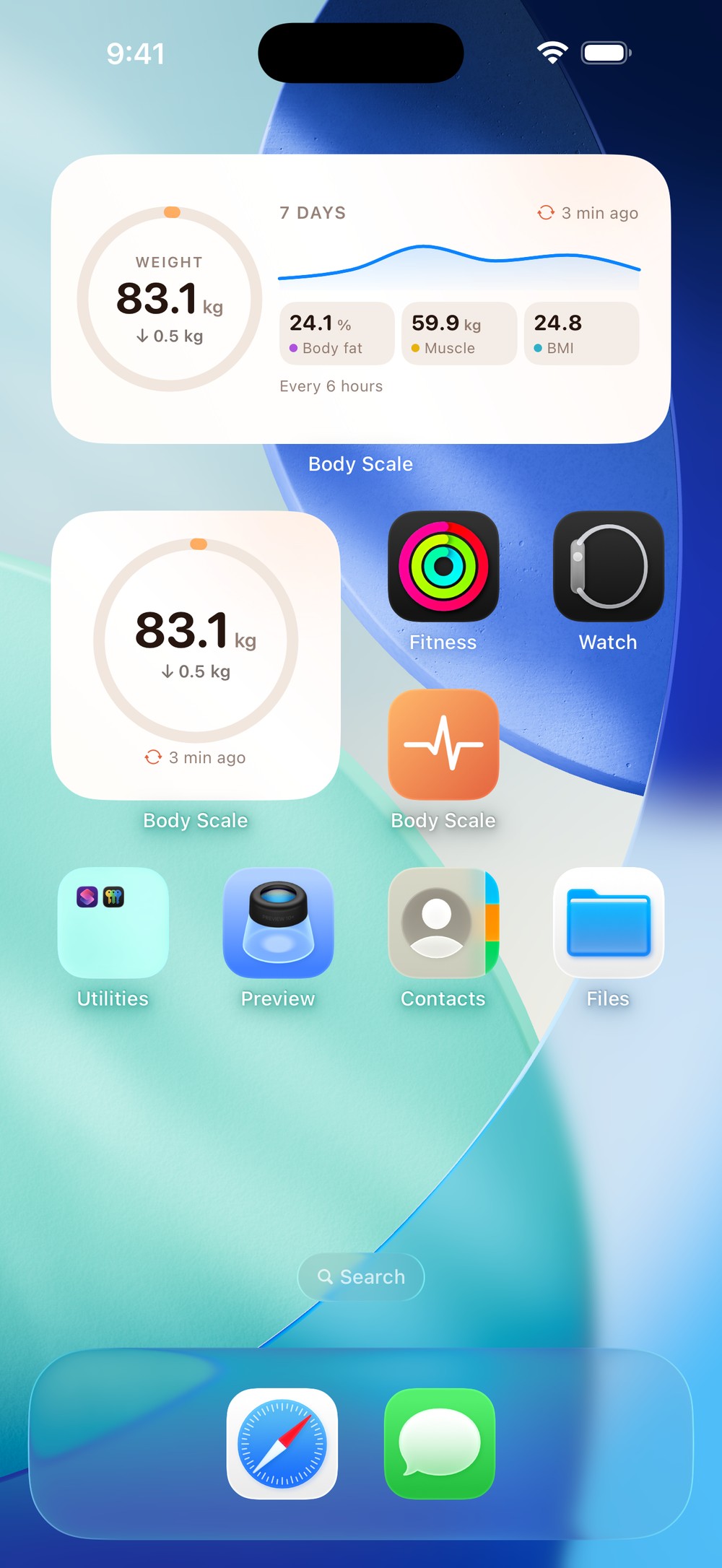
Both widget sizes show the last reading and how long ago it arrived — so a scale that stopped reporting is visible without opening anything.
Yours. No analytics, no crash reporting, no third-party SDKs — and the credential stays in the iOS keychain on the device.
This is the last piece — the one that puts the numbers where the rest of your health data already lives.